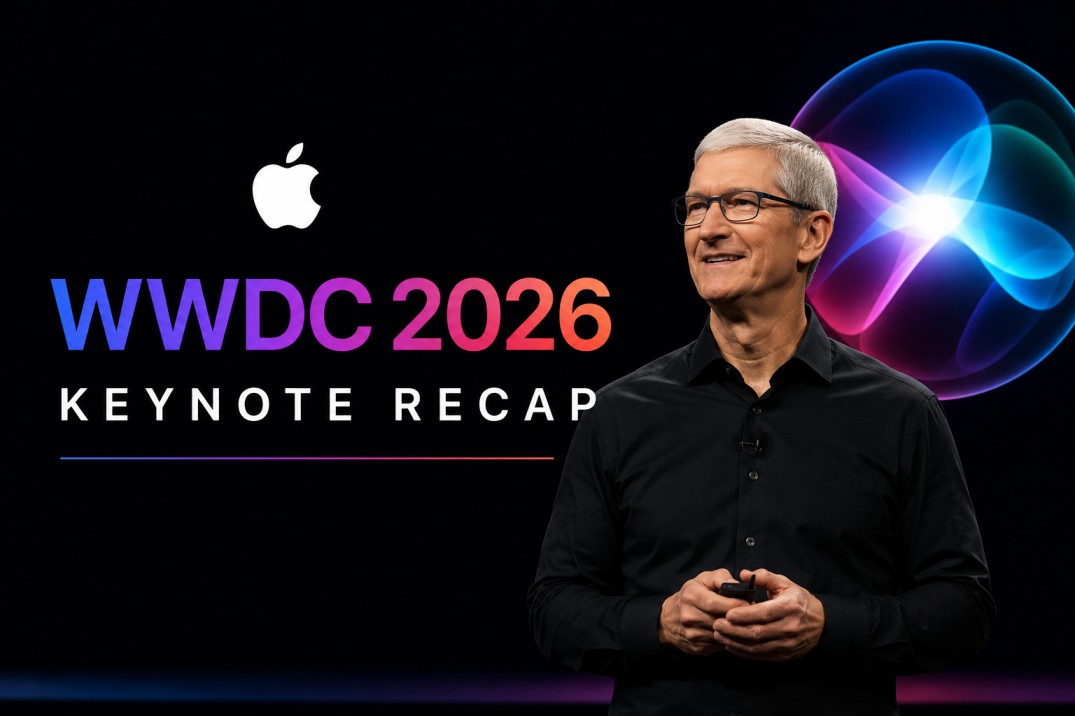
The tech world’s eyes were fixed on Apple Park yesterday for the WWDC 2026 Keynote. While Apple events usually feel like a laundry list of subtle software tweaks, yesterday marked a profound structural shift for the company.
Consequently, Apple officially crossed the rubicon into an integrated, agent-focused AI ecosystem. Furthermore, the event carried an emotional weight. This was Tim Cook’s final WWDC as CEO before he steps down this coming September. He will soon hand the mantle over to John Ternus. Under the iconic Apple Park rainbow, Cook closed the keynote by calling his tenure the “honor of a lifetime.”
If you missed the livestream, do not worry. Here is the ultimate, in-depth breakdown of everything Apple announced for iOS 27, macOS 27 Golden Gate, and the groundbreaking new Siri AI.
1. The Headliner: Siri AI Rebuilt From Scratch
For the last two years, Apple has faced intense criticism for falling behind in the artificial intelligence race. Yesterday, they delivered a definitive answer with Siri AI.
Crucially, this is not a minor patch. It is not a ChatGPT-style chatbot crudely bolted onto an assistant either. Instead, Apple has entirely replaced Siri’s decades-old architecture. The assistant is now powered by advanced Apple Intelligence foundation models.
Key Capabilities of Siri AI:
- Deep Personal Context: Siri can now cross-reference data across your entire device. For example, you can ask, “When does my mom’s flight land?” Siri will search your Mail for the flight confirmation, query real-time flight tracking, and present the answer in seconds.
- On-Screen Awareness: Furthermore, Siri can now “see” what you are looking at. If a friend texts you about a dinner recipe, you can prompt Siri to “add these ingredients to my reminders list” without ever leaving the conversation.
- Cross-Device Fluidity: Meanwhile, you can start a complex task with Siri AI on your iPhone, walk over to your Mac, and pick up the exact same AI thread effortlessly.
Availability Note: Siri AI will launch in beta later this year for English users. However, due to regulatory hurdles, it will not be initially available to users in the European Union (EU) or China.
2. macOS 27 “Golden Gate” and the “Liquid Glass” Evolution
Apple officially named the next iteration of its desktop software macOS 27 Golden Gate. Following last year’s introduction of the translucent user interface, Apple is doubling down on its design language. Therefore, users will notice major refinements to the Liquid Glass aesthetic.
The new OS features a global opacity slider. Consequently, users can fine-tune how deeply app windows refract and blend into desktop wallpapers.
In addition to aesthetics, macOS Golden Gate integrates Apple Intelligence deeply into productivity workflows:
- System-Wide Writing Tools: You can rewrite, proofread, and automatically alter the tone of emails naturally within any text field.
- Smart Spotlight Search: Furthermore, Spotlight can now execute app actions directly from the search bar rather than just launching the app itself.
3. iOS 27: Massive Speed Gains and “Spatial Reframing”
While iOS 27 didn’t undergo a radical visual redesign, Apple focused heavily on structural optimization. As a result, users will experience major performance leaps and advanced media tools.
Performance Enhancements
Apple introduced an overhauled CPU scheduler specifically designed to maximize responsiveness. Consequently, apps now launch up to 30% faster. Meanwhile, network transitions between Wi-Fi and Cellular are practically instantaneous, and AirDrop speeds have been boosted by 80%.
Advanced Photo Editing
The Photos app received the most impressive creative tools we’ve seen from Apple yet:
| Feature | What It Does |
| Spatial Reframing | Uses spatial data architectures to retroactively shift the camera perspective of a 2D photo. |
| Generative Expansion | Allows you to broaden the aspect ratio of any image, intelligently filling out landscapes. |
| Clean Up Tool Upgrades | Instantly deletes background distractions or photo-bombers with zero pixelation. |
4. Safari Gets a Major AI Glow-Up
Safari walked away with some of the most practical, day-to-day upgrades of the entire keynote.
- Thematic Tab Grouping: For users who suffer from terminal tab hoarding, Safari will now automatically sort your open tabs by topic using real-time context.
- Web Monitoring (“Notify Me”): Furthermore, you can now request Safari to monitor changes on specific web pages. If an item restocks or a flight price drops, Siri will drop a notification to your device.
- Natural Language Shortcuts: Similarly, users can describe a custom task in plain English. Safari will instantly compile the required extension framework on the fly.
5. Parental Controls and Family Security
In an unexpected but highly praised segment of the keynote, Apple announced its most expansive suite of parental controls to date.
Child accounts will now default to maximum privacy settings right out of the box. Specifically, Apple introduced “Ask to Browse” and “Ask to Approve.” These features allow parents to review app downloads and screen time allowances remotely from their own devices. Furthermore, Communication Safety tools have been upgraded to detect sensitive content across third-party applications.
6. The Fine Print: Private Cloud Compute and Storage Caps
Apple dedicated a significant portion of the keynote to explaining their privacy philosophy. Specifically, they detailed how they balance heavy AI workloads with user safety.
Private Cloud Compute (PCC)
When a request is too complex for on-device processing, Apple utilizes its Private Cloud Compute infrastructure. Craig Federighi emphasized that data sent to the cloud is purely transient. Therefore, it is processed in a secure enclave and instantly “vaporized” the moment the response is generated.
The Catch: iCloud+ Tiering
However, running advanced models strains server architecture. Consequently, Apple announced daily usage limits on certain high-end Apple Intelligence features. Users who want unrestricted access to these tools will need to subscribe to premium iCloud+ data tiers.
The Verdict on WWDC 2026
Ultimately, WWDC 2026 proved that Apple is no longer just experimenting with AI. Instead, they have woven it directly into the fabric of their entire hardware ecosystem. By turning Siri into an ambient, highly capable agent, Apple has laid out its roadmap for the next decade of personal computing.
Developer betas are currently live, and public betas are scheduled for next month. Finally, the software will officially roll out to the general public this fall alongside the upcoming iPhone release cycle.
To see these UI updates, Liquid Glass transitions, and Siri AI features fully demonstrated in real time, you can watch the Apple WWDC 2026 Recap Video, which provides an excellent 25-minute compressed overview of all the technical demos from the keynote.